
Record and transcribe
Move from a recording to a text draft for notes, spoken ideas, and later review.

Turn your voice into text. Record and transcribe offline, with support for 99 languages and SRT export.
Get it on Google Play (opens in a new tab)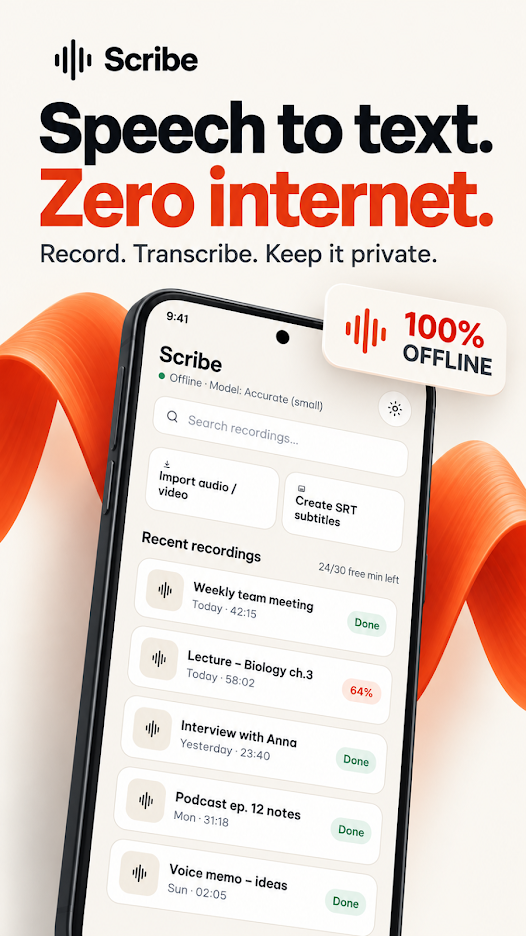
Correct subtitles that are consistently early or late, understand SRT timestamp format, and recognize drift that a constant offset cannot fix.
Read the guidePlan an offline transcription workflow with Scribe, prepare language resources, improve recording quality, and review text before exporting.
Read the guideOpen the official Google Play listing to explore Scribe, view the latest screenshots, and check its current features before installing.
Get it on Google Play (opens in a new tab)Use the App support section on the Google Play listing for the developer’s current contact details and app-specific privacy policy.
Explore the rest of the collection